Pasco Studio: see your interlock in 3D and AR before you order
Pasco Studio is the free online design tool of Pasco Blocks and Interlock Factory. It holds more than 10,000 laying patterns and colour mixes for 31 paver sizes and shapes. Open any design in 3D, place it in your own garden or driveway at real size with your phone, download the pattern PDF, and send us the design code for a quote.
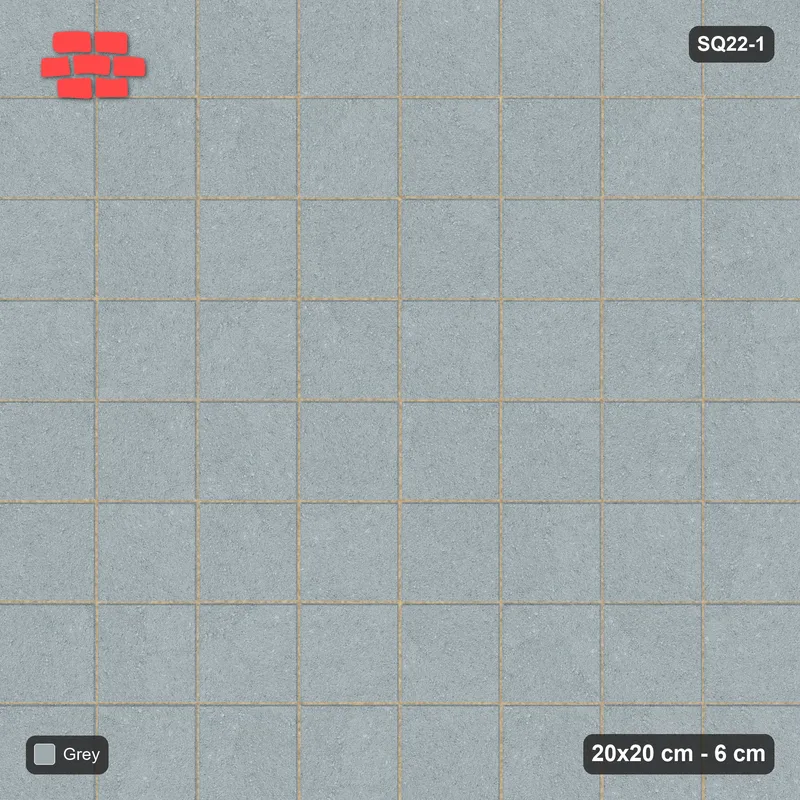
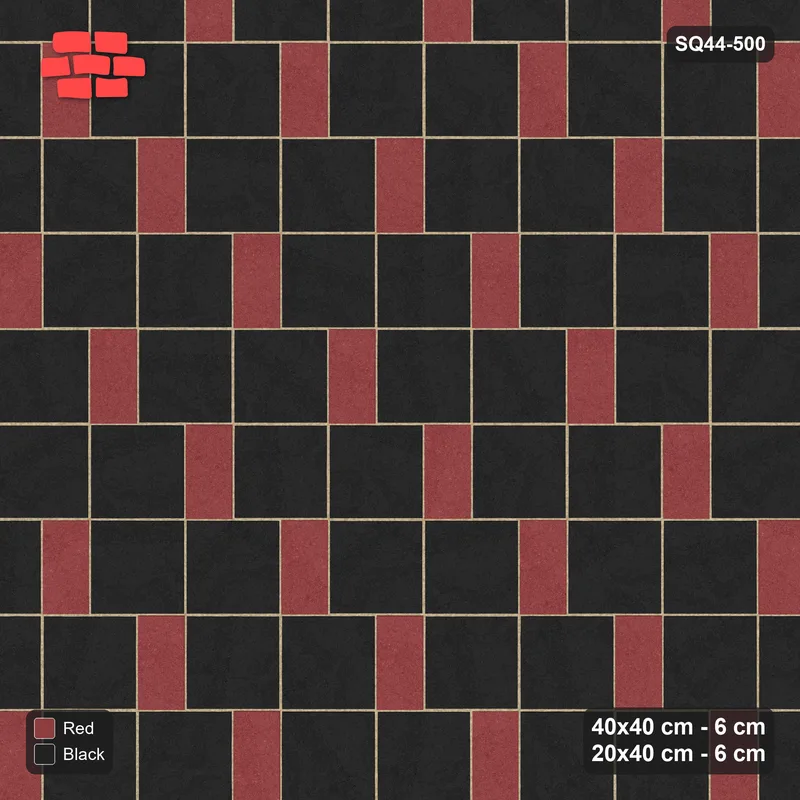
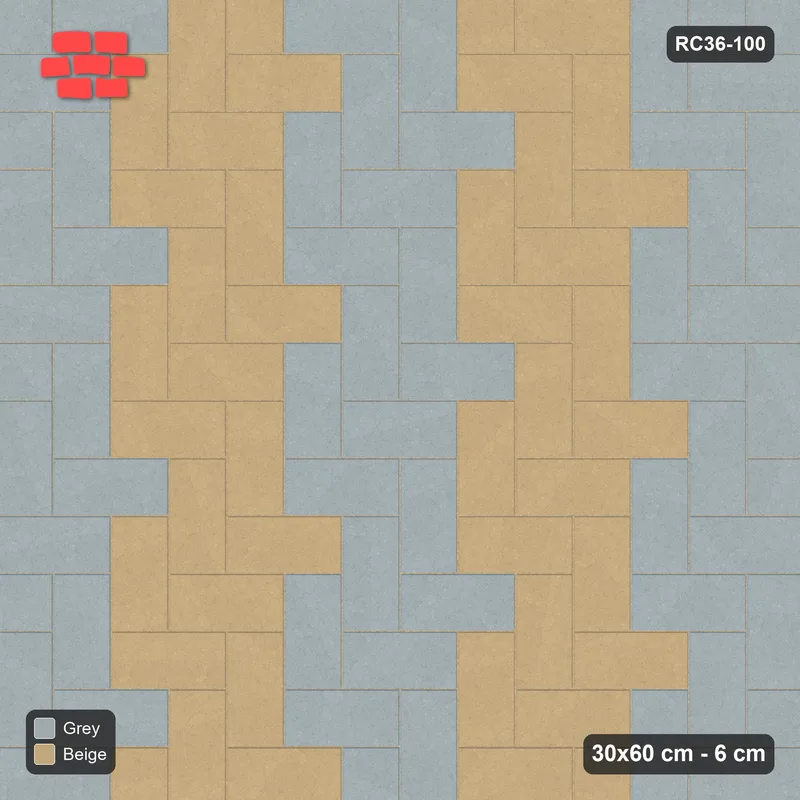
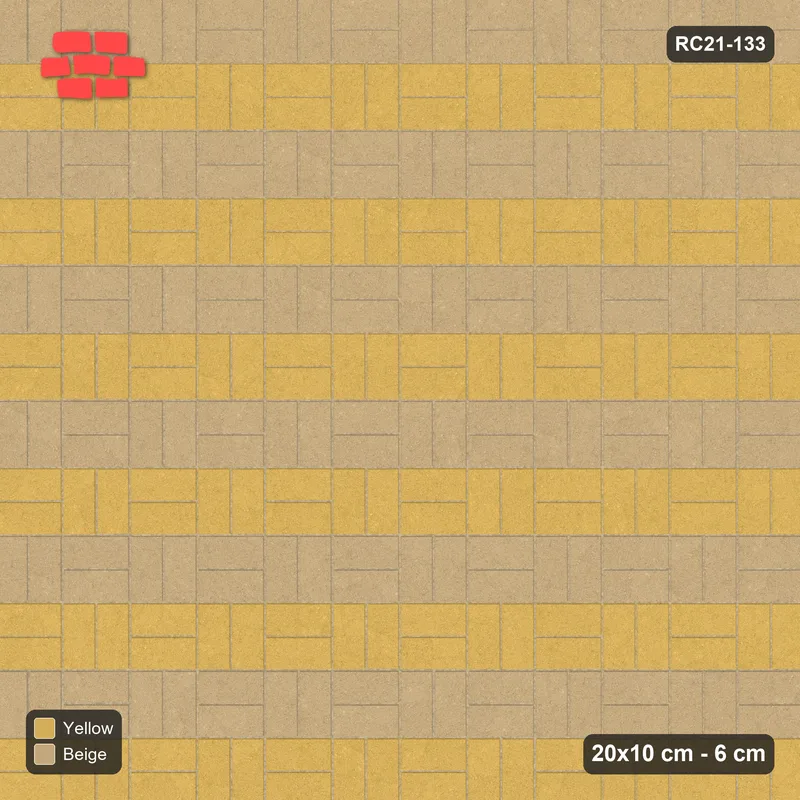
Photo gallery of every design
Pasco Studio also has a photo section where you can browse all 10,000+ designs as pictures, without opening the 3D viewer: pick a size, scroll through the photos, and open the one you like. Every photo names the size, the design code and the pattern, so you can quote the code to us directly.
Photos of all designs
A top view and a side view of every design, sorted by size and shape. Each photo opens the design page with its specs and pieces per m².
Laying plans of all designs
The blueprint of every pattern, ready for your contractor.
All designs by size
One card per size or shape with its design count, then every design with its 3D and AR buttons.
What you can do in Pasco Studio
- 3D viewer: rotate every design and see the real colours and joints.
- View in your space (AR): place the pavers on your own garden, driveway or courtyard at real size using your phone camera.
- Pattern PDF and blueprint for every design, ready to hand to your contractor.
- Pieces per m² and colour split for each design, so your quantity is right the first time.
- Share and save: send a design link to your family or engineer, or send it straight to us on WhatsApp with the code filled in.
- Search by design code: type a code such as SQ11-1 on the Studio home page to open that design directly.
- Four languages: English, Arabic, Urdu and Hindi. Free, no account needed.
How to use it
- Open Pasco Studio – Go to studio.pascodb.com on your phone or computer and pick a language.
- Choose a size or shape – Pick one of 15 sizes (8 × 8 cm to 60 × 60 cm, 6 cm or 8 cm thick) or 16 shapes such as Behaton, Quadro, Venus or Polygonal.
- Pick a design – Browse the laying patterns and colour mixes for that size (250 to 655 per size) and open the one you like in 3D.
- View it in your space – On your phone, press "View in your space" and point the camera at the floor. The pavers appear at real size so you can walk around them.
- Send us the design code – Download the pattern PDF and send the code (for example SQ22-1) with your area in m² by WhatsApp or our form. We reply with a price per m² without VAT. See How to Order.
Sizes and shapes in Pasco Studio
15 sizes: 8 × 8, 10 × 10, 10 × 30, 20 × 10 (6 and 8 cm), 20 × 20, 20 × 30, 20 × 40, 30 × 30, 30 × 60, 40 × 40, 40 × 60, 40 × 80 (8 cm), 50 × 50 (5 cm) and 60 × 60 cm. See our interlock pavers page for specifications.
16 shapes: Behaton, Diamond, Florendo, I-Shape, Lalinia Bishop, Marbella, Monaco Hexa, Octagon (6 and 8 cm), Polygonal, Quadro, Tri-Stone, Uni-Block, V-Shape and Venus (6 and 8 cm).
Good to know
The designs are 3D renders of our real pavers and colours, not photos of installed floors. Colours on screen vary a little with your device, so ask us for a physical sample before the final choice. The pieces per m² shown in Studio are calculated without joints and match the figures on our product pages.
Pasco Studio is shared with our sister company Pasco Almadina, which also carries out installation as our subcontractor. When you open it from this page, your enquiries come straight to the factory.